


New releases
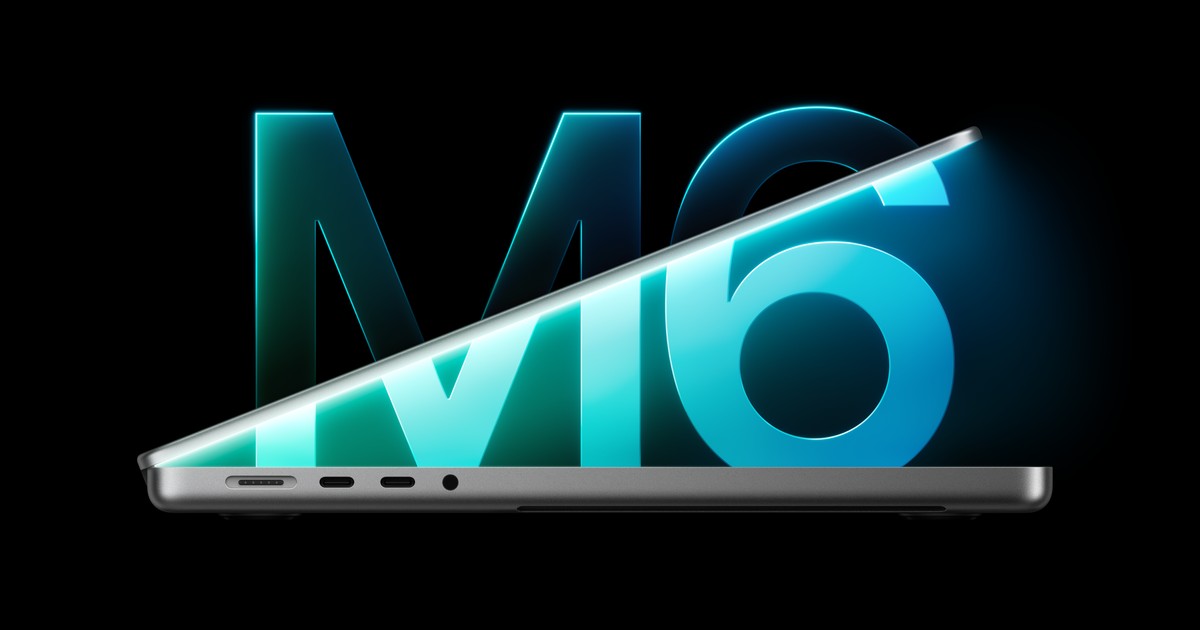
MacBook Pro M6: what is actually new?
Compare the announced M6 model, its Liquid Retina XDR display and connectivity before choosing a configuration.
Read full articleCart
Your cart is empty


"Ordered my iPhone 18 Pro online and received it sealed with full factory warranty the same afternoon. Exemplary service!"
"Very responsive on WhatsApp. The team guided me on MacBook configurations for my company. Transparent pricing in MUR."
"Delivery to Tamarin was prompt and hassle-free. Package was sealed and handled with care. Truly the best Apple supplier in Mauritius."
"Bought the Apple Watch Series 12. Seamless online MCB Juice payment and official warranty registered immediately. 5 stars!"
"Professional service and authentic hardware. Collected my iPad at their Port Louis office smoothly with my NIC. Highly recommended."
"Genuine Apple products with proper VAT receipts. Great customer care line that actually answers promptly. Will definitely buy again."
"I was skeptical about ordering online in Mauritius, but iStore.mu proved to be 100% trustworthy. Original packaging and fast dispatch."
"Great trade-in support and straightforward advice. Delivery was on point. Thanks to Apple World Limited team!"
"Ordered AirPods Pro and 2 fast chargers. Delivered next morning in sealed boxes. Transparent billing and genuine Apple quality."
"Flawless buying experience. Clean dark website, fast customer support on phone, and quick courier delivery across the island."
Equipping enterprise teams, creative agencies, and institutions across Mauritius with authentic Apple hardware and dependable local support.


Explore the latest Apple topics with iStore Mauritius: new releases, product specifications, comparisons and practical buying advice.
New releases
Compare the announced M6 model, its Liquid Retina XDR display and connectivity before choosing a configuration.
Read full article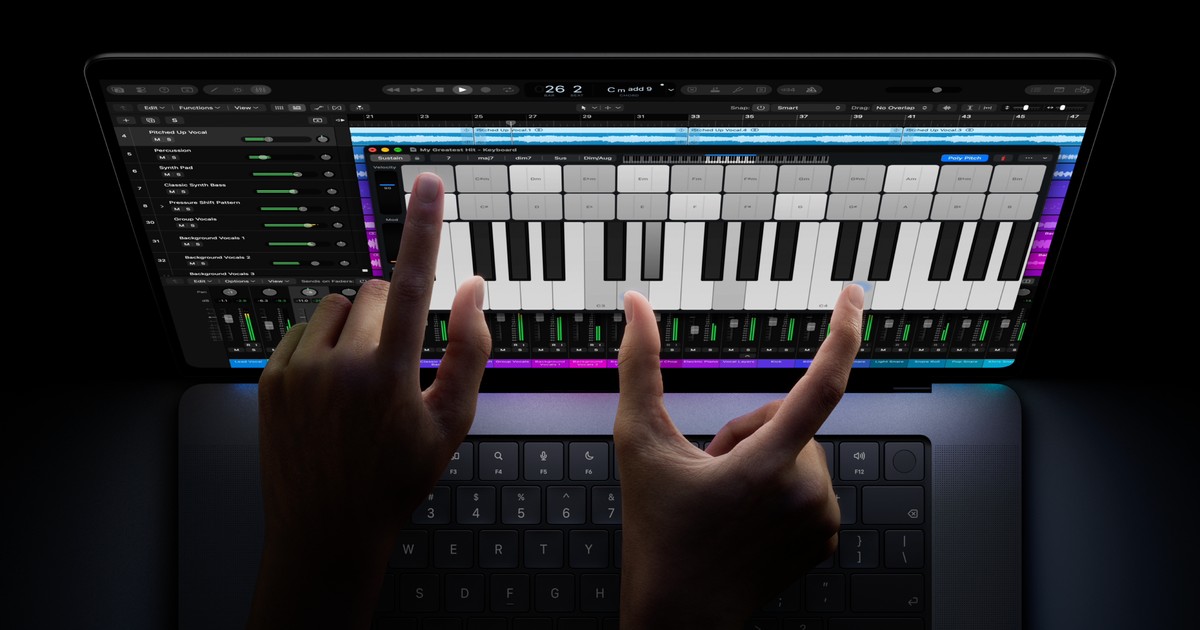
New releases
These are different model descriptions. Check display technology and chip together, rather than assuming every new Pro is identical.
Read full article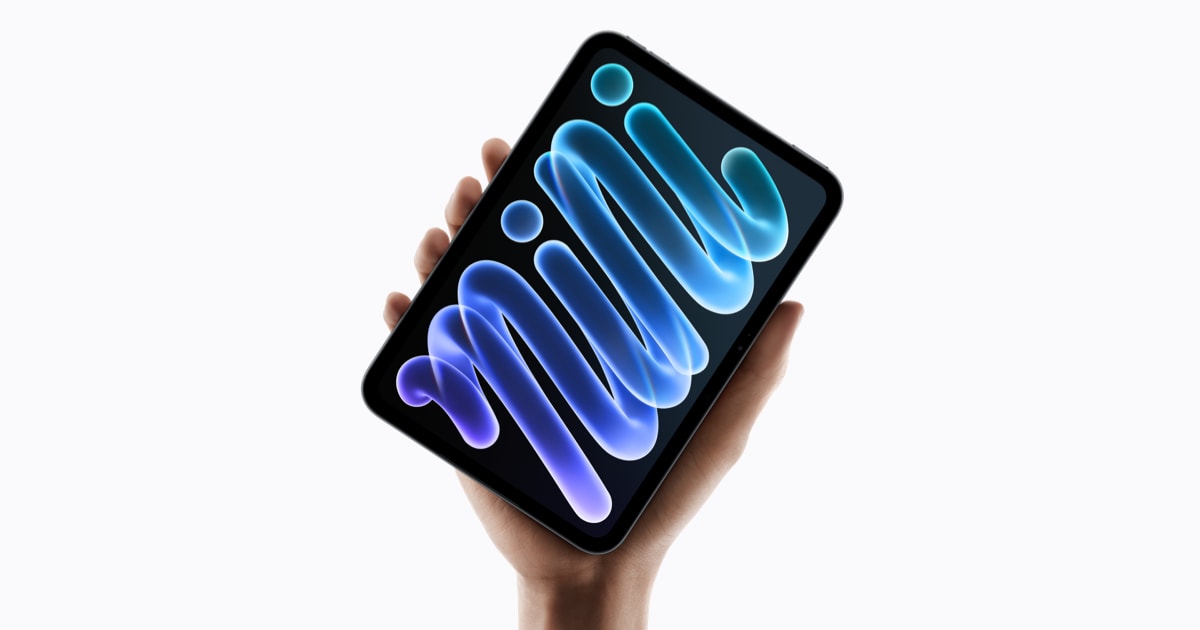
New releases
Read the October announcement covering the 8.5-inch display, A20 Pro and landscape front camera.
Read full article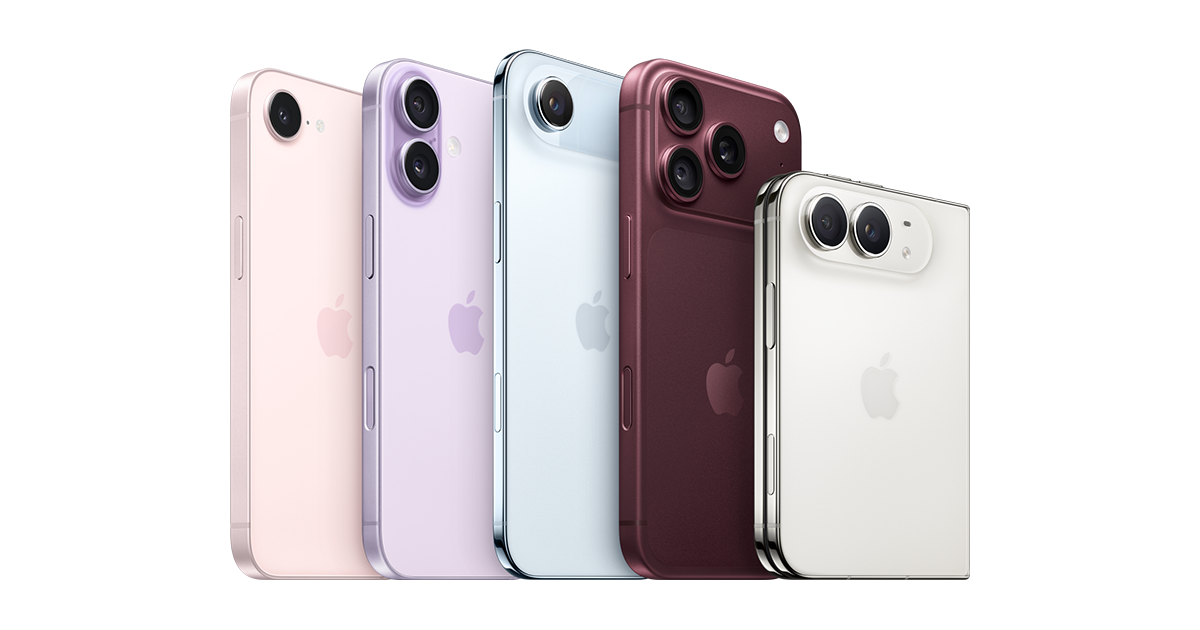
Buying guides
Compare the current models side by side, then choose around size, features and the exact configuration you need.
A useful iPhone comparison begins with your needs, not the highest model number. Apple’s comparison tool lists iPhone Duo, iPhone 18 Pro and iPhone 18 Pro Max together. Use the exact models and regional specifications when building a shortlist; a photograph does not establish storage, SIM support or every camera feature.
Think about screen comfort, portability, the photography you do and the apps you use most. Then compare the corresponding specification fields side by side. Do not assume that every feature of a Pro Max belongs to another model, or that every market receives the same SIM arrangement.
By iStore. Source: Apple product information, checked 15 November 2026. Confirm exact model and regional availability.

Compatibility & help
Apple lists iPhone Duo as eSIM-only. Confirm activation support and your plan with your Mauritius provider before buying.
The cited iPhone Duo specification describes dual eSIM support and states that the model does not support physical SIM cards. It requires an eSIM-capable network provider and wireless service plan. This is an important buying check, not an accessory you can solve by inserting your current physical SIM.
Before paying for the phone, contact your intended mobile provider with the exact model details. Ask about activation, moving an existing number and the process for replacing a device. This guide does not confirm that a particular Mauritius provider or tariff supports the device.
By iStore. Source: Apple product information, checked 15 November 2026. Confirm exact model and regional availability.
Tips & knowledge
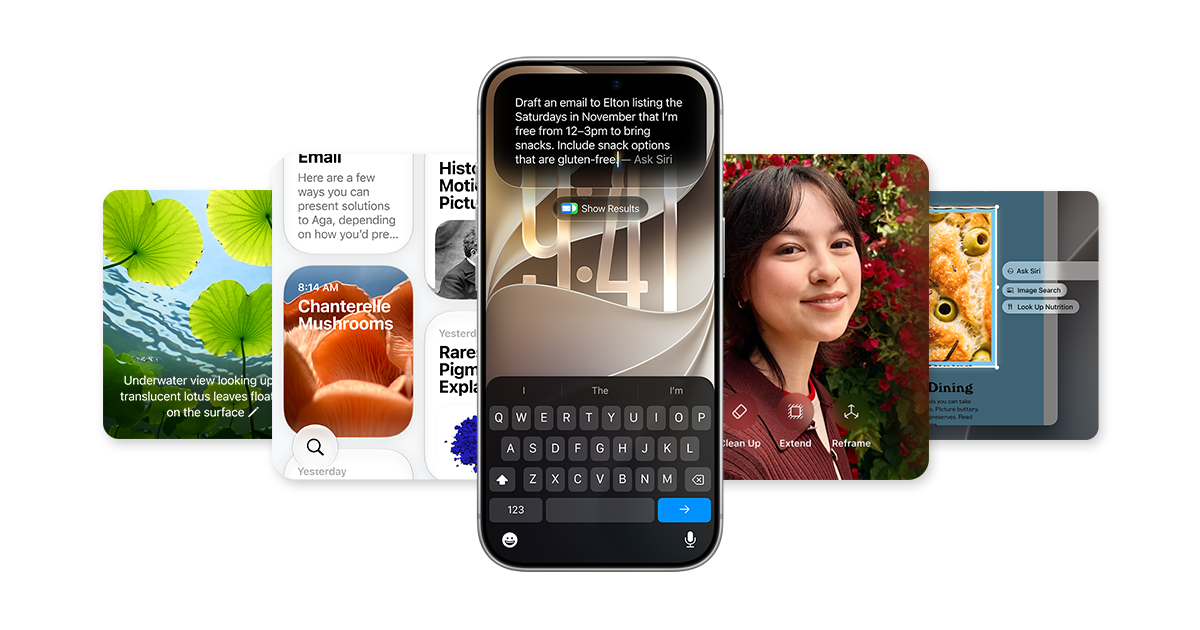
Check the supported hardware, software, language and region requirements. Availability is feature-specific.
Apple’s support guidance updated in November 2026 lists compatible hardware, operating systems, languages and regions. Buying a recent Apple device alone does not establish that every Apple Intelligence feature will be available in your preferred language or location.
The cited guidance includes iPhone 15 Pro and Pro Max, iPhone 16 models or later, iPhone Air and Duo; supported iPad and Mac models are listed separately. Some newer device families have their own requirements. Check the complete current list for the actual device rather than extending a claim from one product category to another.
By iStore. Source: Apple product information, checked 15 November 2026. Confirm exact model and regional availability.

Tips & knowledge
Check Apple’s current supported languages and regional requirements before expecting a particular Siri AI feature.
Apple’s current Siri AI support guidance includes French among its supported languages. It also says availability varies by platform and region. Those qualifications are important when choosing a device or deciding whether a missing feature indicates a fault.
Start with the exact device, installed software and language you plan to use. Do not assume that a feature available on one Apple platform is available on every other platform. Apple’s cited guidance, for example, distinguishes HomeView by stating that Siri AI is available only in English there.
By iStore. Source: Apple product information, checked 15 November 2026. Confirm exact model and regional availability.
Buying guides
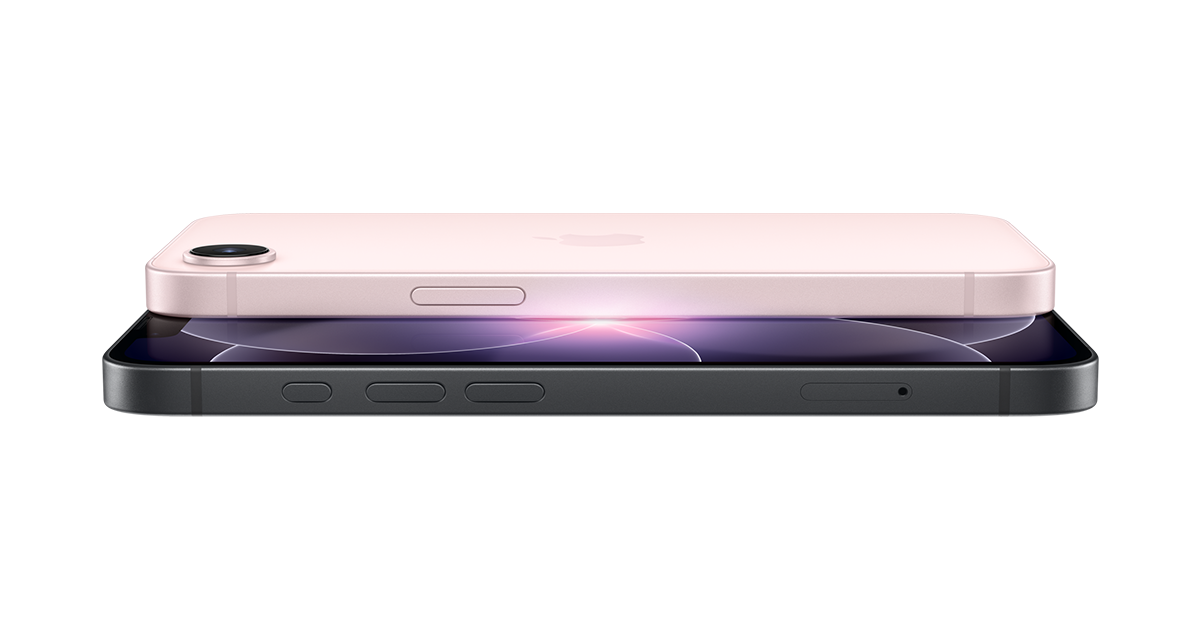
Review the A19 chip, 48MP Fusion camera, USB-C, MagSafe and storage starting at 256GB.
Apple’s cited iPhone 17e product page lists an A19 chip, a 48MP Fusion camera, MagSafe wireless charging and USB-C. It also states that storage starts at 256GB. These are useful starting points for comparison, but they are not a complete description of every feature or a local price quote.
Begin with your existing phone’s limitations. If your main concern is space, compare the offered capacity with the storage you currently use. If your priority is photography, compare the complete camera specification rather than the presence of a 48MP headline alone.
By iStore. Source: Apple product information, checked 15 November 2026. Confirm exact model and regional availability.
Buying guides
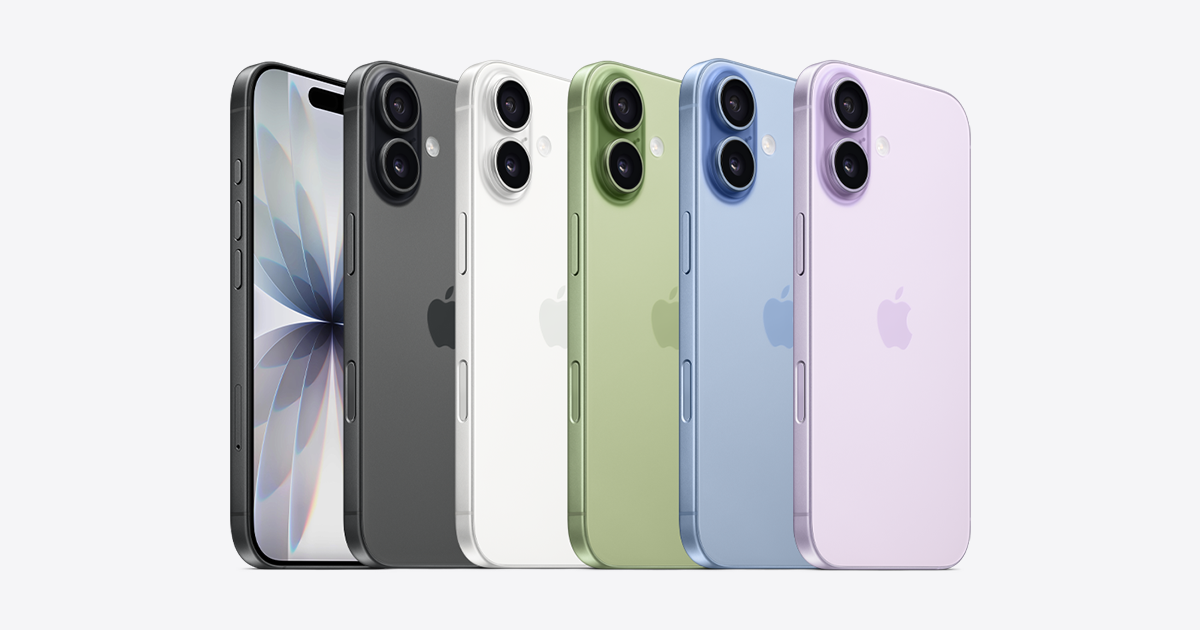
Read the exact technical specifications instead of judging camera versatility or transfer speed from one headline number.
Apple’s cited iPhone 17 specification lists 256GB and 512GB capacities, a 48MP Dual Fusion camera system and a USB-C connector. Use these as model-specific details, not a checklist for every iPhone generation. Regional specifications, including SIM arrangements, should be checked against the unit you plan to buy.
The camera specification distinguishes Main and Ultra Wide cameras, as well as optical-quality and digital zoom descriptions. A megapixel number alone is not enough to compare the complete photographic experience. Think about whether you mainly photograph people, wide scenes, close subjects or video.
By iStore. Source: Apple product information, checked 15 November 2026. Confirm exact model and regional availability.
Buying guides
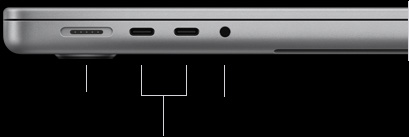
The iPhone 17 and Duo specifications list different USB data capabilities. Compare the phone and cable standard.
Apple’s cited iPhone Duo specification lists a 48MP Dual Fusion camera system, including Main and Ultra Wide cameras. It also lists 12MP optical-quality 2x Telephoto capability and digital zoom up to 10x. These descriptions are not interchangeable: compare how each mode is described rather than treating all zoom figures as the same thing.
For everyday photography, identify your main use before comparing numbers. Wide interiors, portraits and close-up detail create different needs. A higher digital zoom figure should not be your sole reason to choose a device; consider framing, lighting and the features you will actually use.
By iStore. Source: Apple product information, checked 15 November 2026. Confirm exact model and regional availability.
Buying guides
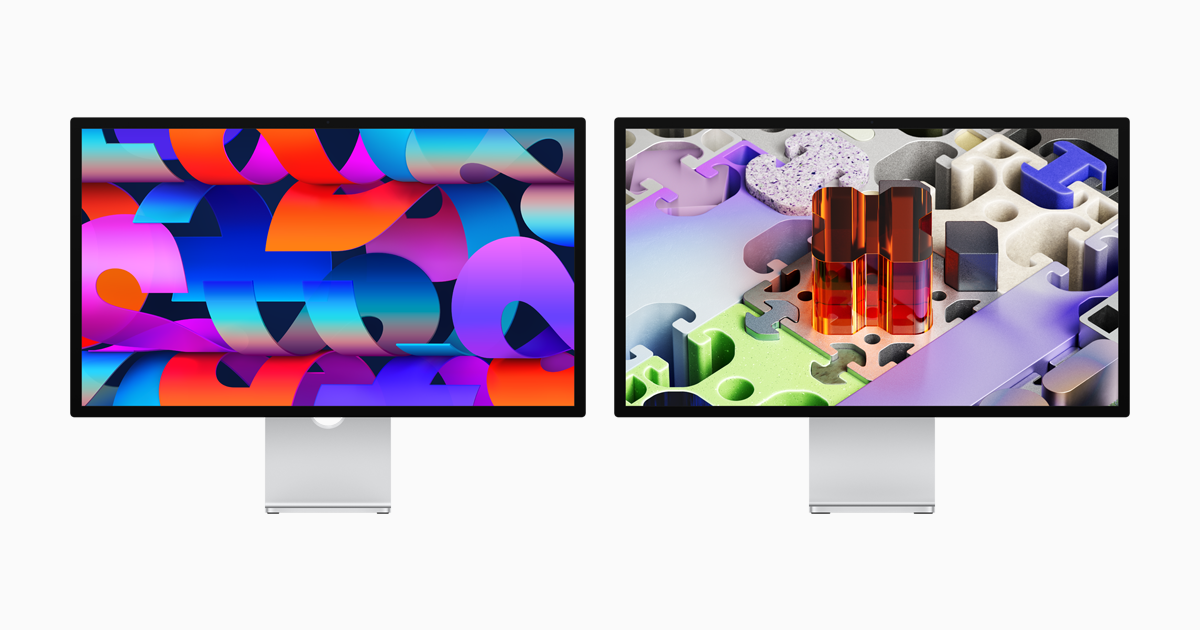
Display count depends on the exact MacBook Pro and the resolution and refresh rate of each monitor.
Apple explains that the number of external displays a MacBook Pro can use depends on the model and each display’s resolution and refresh rate. That means “supports external monitors” is not a sufficiently detailed specification for a multi-screen desk.
Write down the monitors you want to connect, including their resolutions, refresh rates and input connections. Then compare that complete setup with the support information for the exact MacBook Pro. A configuration that works with one display arrangement may not describe another.
By iStore. Source: Apple product information, checked 15 November 2026. Confirm exact model and regional availability.
Buying guides
Compare memory and storage separately across exact Mac configurations, not just the starting product price.
Read full article
Buying guides
Compare the display, memory and SSD of the offered MacBook Pro rather than the maximum available across the family.
Apple publishes a technical specification page specifically for MacBook Pro with Liquid Retina XDR Display. Separately, its October 2026 announcement describes a PROLED XDR range. A listing that simply says “MacBook Pro” therefore needs a closer look before you assume which display it includes.
Keep the complete model description together: display family, screen size, chip and configuration. Do not combine the display specifications from one range with the memory or connectivity details of another. Product images are helpful for presentation but are not a substitute for the written specification.
By iStore. Source: Apple product information, checked 15 November 2026. Confirm exact model and regional availability.

Compatibility & help
Match the exact iPad generation and Pencil model. Some combinations also require an adapter or specific software.
Read full article
Compatibility & help
Apple describes magnetic attachment for storage, with USB-C cable pairing and charging. Check before buying.
Apple’s specification describes Apple Pencil USB-C as suitable for notes, sketching, marking up documents and journaling, with tilt sensitivity and low latency. It says the Pencil pairs and charges using a USB-C Charge Cable and attaches magnetically to the side of iPad for storage.
That distinction matters: magnetic attachment is described as a storage feature, while pairing and charging use the cable. If you are comparing Pencil models, do not assume that a feature from another version applies merely because this one also attaches to an iPad.
By iStore. Source: Apple product information, checked 15 November 2026. Confirm exact model and regional availability.
Compatibility & help
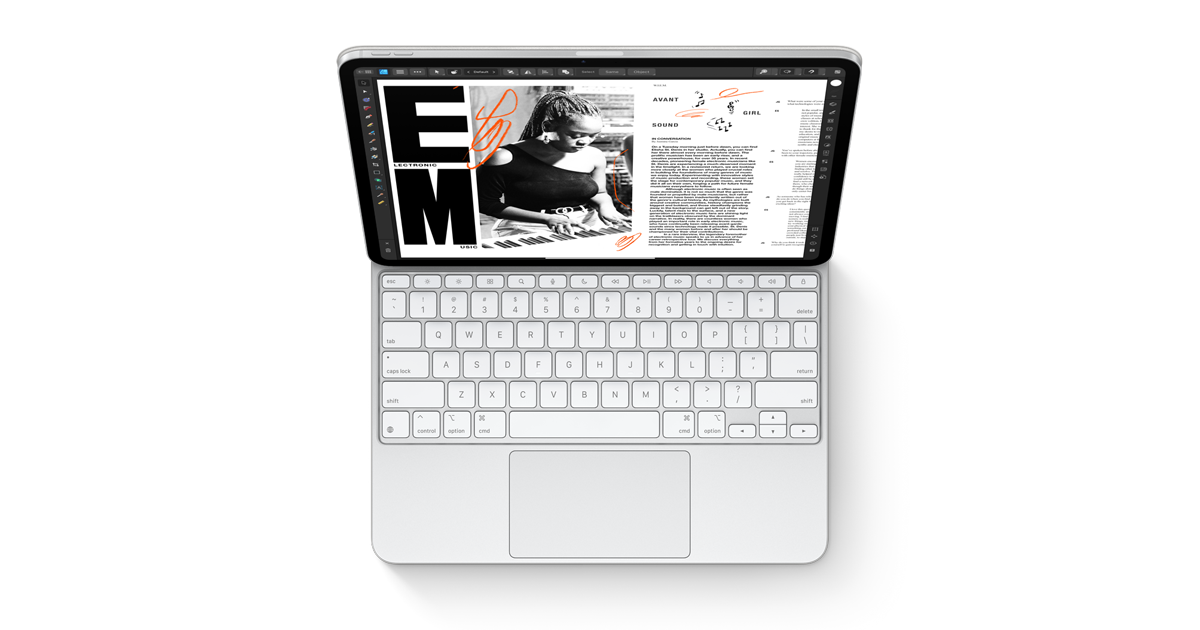
Screen size alone is not enough. Check your iPad generation against the keyboard’s official compatibility list.
Apple’s iPad keyboard support information groups compatible tablets by keyboard and generation. Two iPads with similar screen sizes do not automatically use the same keyboard accessory. The complete model identity is the safer starting point for a purchase.
Before choosing a keyboard, note your iPad model and generation, then check it against the accessory’s official compatibility list. Compare the features you actually need, such as a trackpad, function row and the way the keyboard supports the tablet. Do not transfer feature descriptions between different keyboard versions.
By iStore. Source: Apple product information, checked 15 November 2026. Confirm exact model and regional availability.

Tips & knowledge
Understand listening modes and check which ones your exact AirPods model and software support.
Apple explains that Active Noise Cancellation uses microphones and anti-noise to counter unwanted sound. Transparency mode lets outside sound in so the listener can hear more of the surroundings. These are different listening options, not simply two names for the same setting.
Choose around your environment. You may want reduced distraction when seated in a noisy place, while awareness of surroundings can matter in other situations. Neither a mode name nor a product description replaces paying attention to your environment and using an appropriate volume.
By iStore. Source: Apple product information, checked 15 November 2026. Confirm exact model and regional availability.

Tips & knowledge
Choose an official backup method and verify important information before erasing your previous phone.
Read full article
Compatibility & help
Follow Apple’s backup, power and Wi-Fi preparation, then check Software Update and official troubleshooting.
Apple’s wireless update instructions begin with a backup, a power connection and Wi-Fi. These preparation steps matter more than rushing to install a version number mentioned in a headline. The update offered on your own device is the relevant starting point.
Open Settings, choose General, then Software Update. Apple’s instructions say this screen shows the installed version and whether an update is available. If one is offered, choose Download and Install and follow the onscreen instructions. Allow time for the device to finish.
By iStore. Source: Apple product information, checked 15 November 2026. Confirm exact model and regional availability.

Compatibility & help
Use Find My or icloud.com/find and follow Apple’s lost-device guidance. Never share account credentials with recovery strangers.
Apple’s lost-device guidance directs users to Find My on another device or to icloud.com/find. If the device cannot be found promptly, Apple recommends marking it as lost to help protect it. Follow the official process rather than giving account details to someone claiming they can recover it.
Take a moment to distinguish locating a device from restoring data to a replacement. A backup can be relevant to recovery of information, but it is not the same action as locating or securing the missing hardware. Avoid making account changes based only on an unsolicited message.
By iStore. Source: Apple product information, checked 15 November 2026. Confirm exact model and regional availability.
Guides by iStore, based on Apple information checked 15 November 2026. Six cards open full iStore articles: MacBook Pro M6, PROLED versus M6, OLED iPad mini, Mac memory, Apple Pencil compatibility and iPhone backup. Other guides expand here. Images show related products or Apple support screens; interface language and software versions may differ. International announcements do not confirm Mauritius stock or regional feature availability.
Promotions, New products and Sales. Directly to your inbox.